 Computing on Demand PC News & Reviews

Most of you have probably seen the commercials from Microsoft touting the cloud experience behind Windows 7 and Windows Live. The thing is… many of us that have Windows 7 don’t really know how to do some of the things they show in those commercials. In this multi-part series, we will attempt to demystify the “cloud” and show you how to make it happen.
In this episode, we will tackle the Airport Commercial:
An innocent couple falls victim to airline shenanigans. So where do they go when they can’t leave the gate area for… well, for who knows how long? “To The Cloud” to access the recorded TV shows on their home PC. Three hour delay? Bring it.
So how did they do it?
On the computer you wish to access remotely
- Download and install Windows Live Essentials
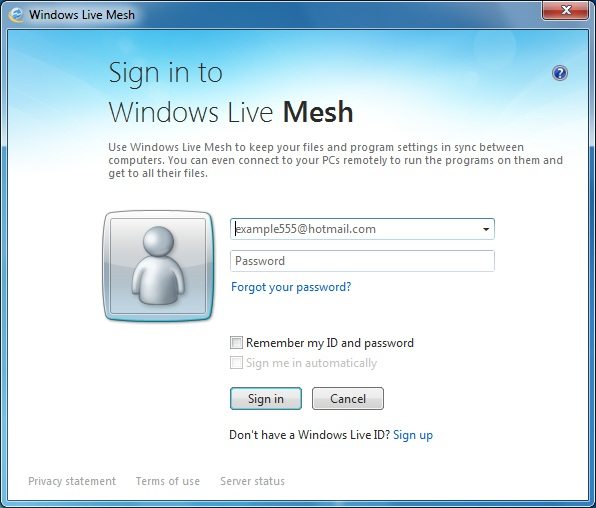
- Open Windows Live Mesh and sign in with your Windows Live Account.
- If you do not have a Live account there is a Sign Up link below the login area.
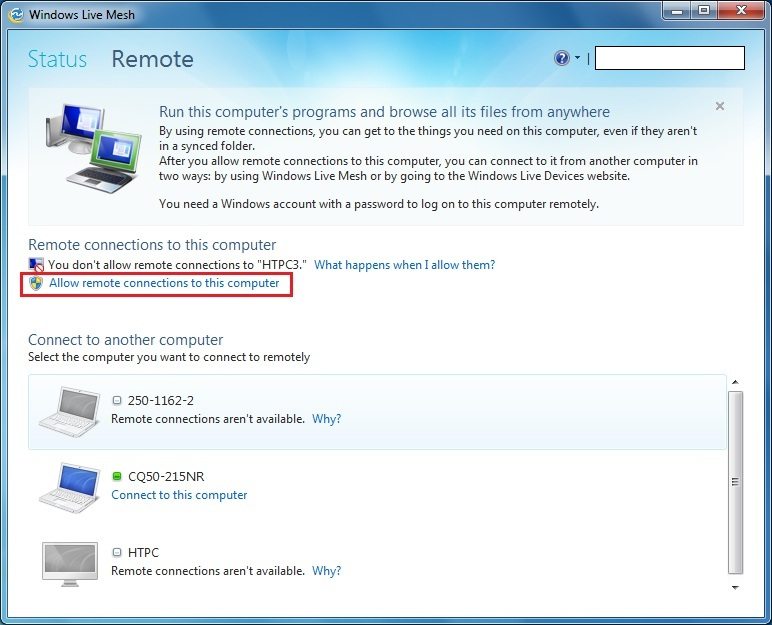
- Select Remote at the top
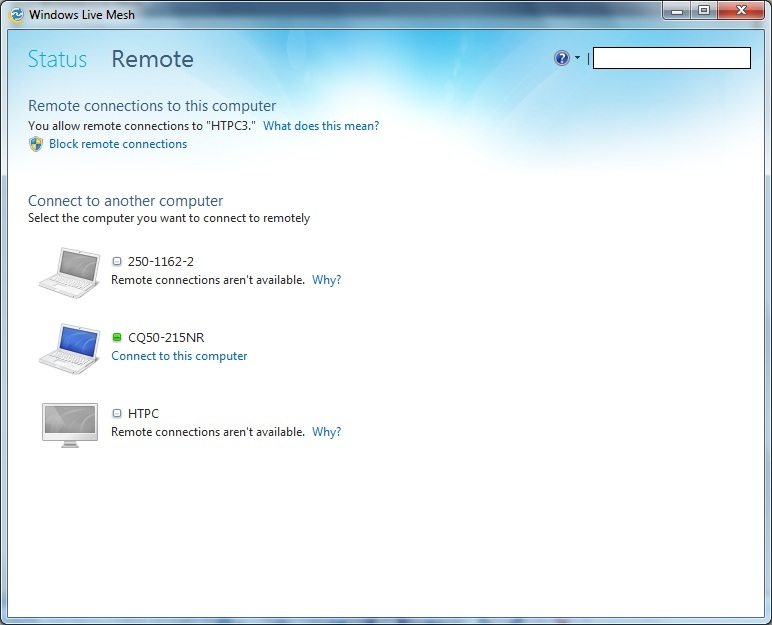
- Select Allow remote connections to this computers

To access your computer remotely
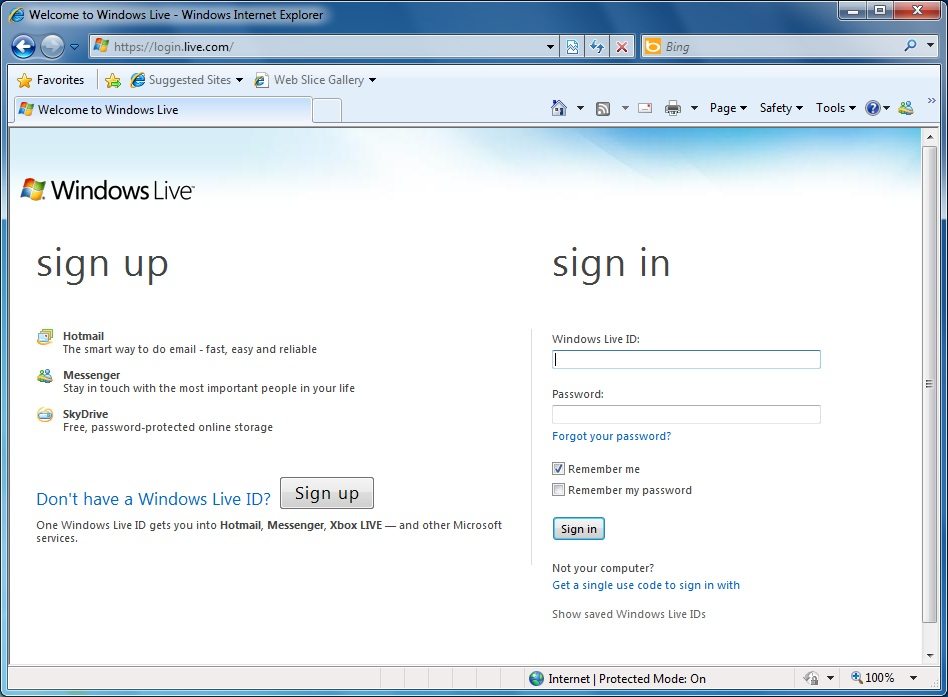
- Visit https://login.live.com
- Log in with your Windows Live Credentials
- Hover over Windows Live until a menu shows
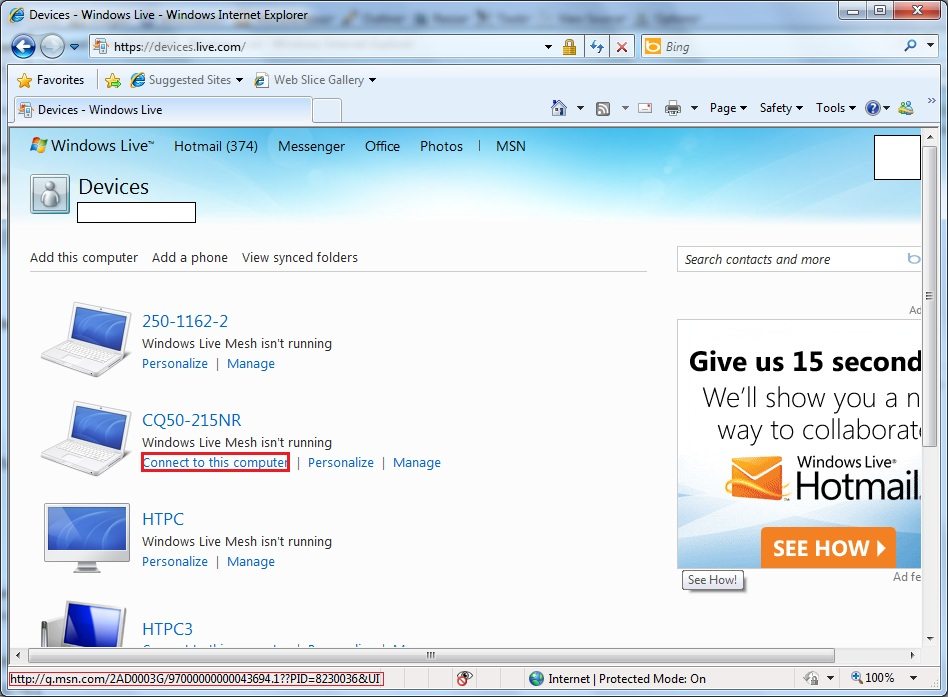
- Select Devices
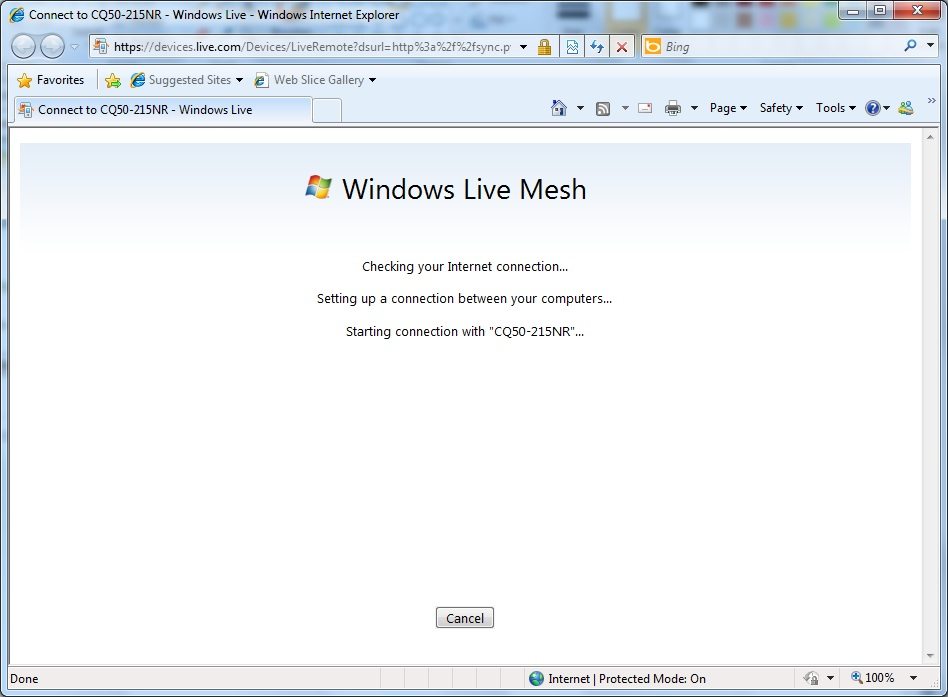
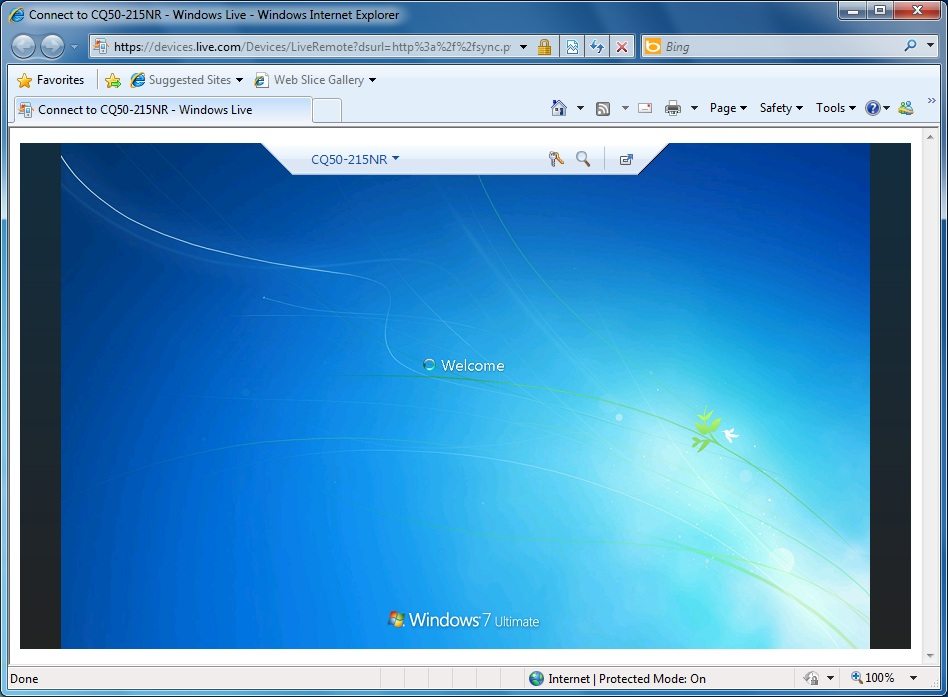
- Choose which device you would like to access and select Connect to this computer.
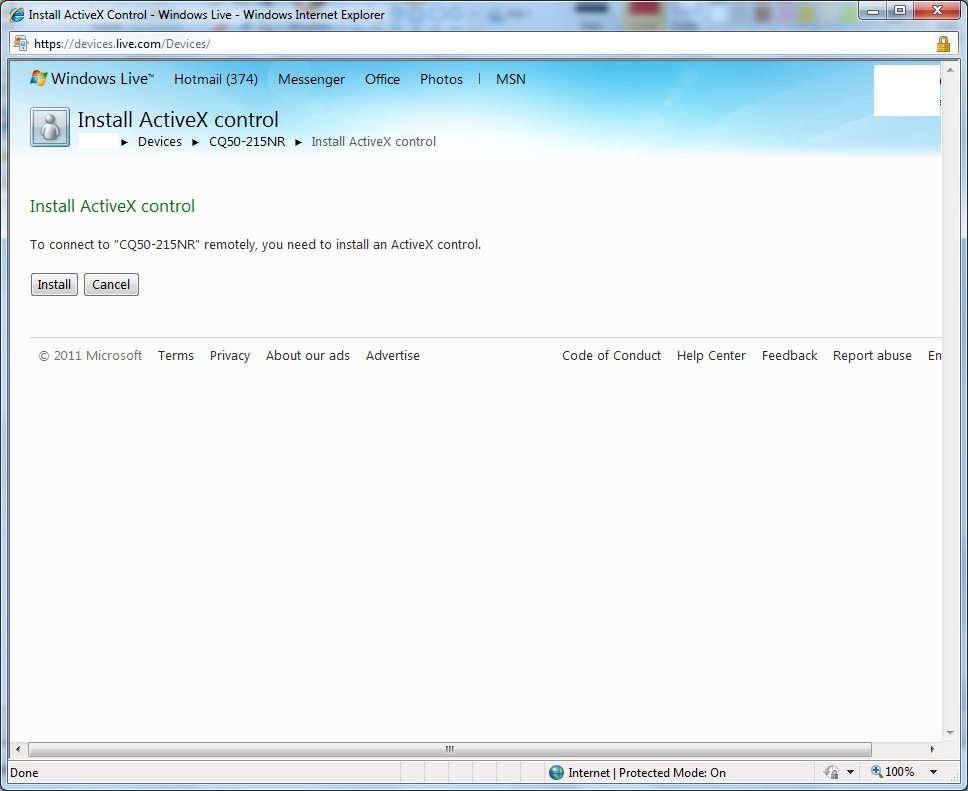
- A new window may appear informing you that an ActiveX control needs to install, this needs to be installed to use this feature of Windows Live.



3 comments
Pingback: St. Patrick’s Day | MEGATechNews :: Mega Techie Goodness For the Masses
Pingback: Thursday News
Pingback: Maximum CPU Review Site » Blog Archive » 3/16 Affiliate News